


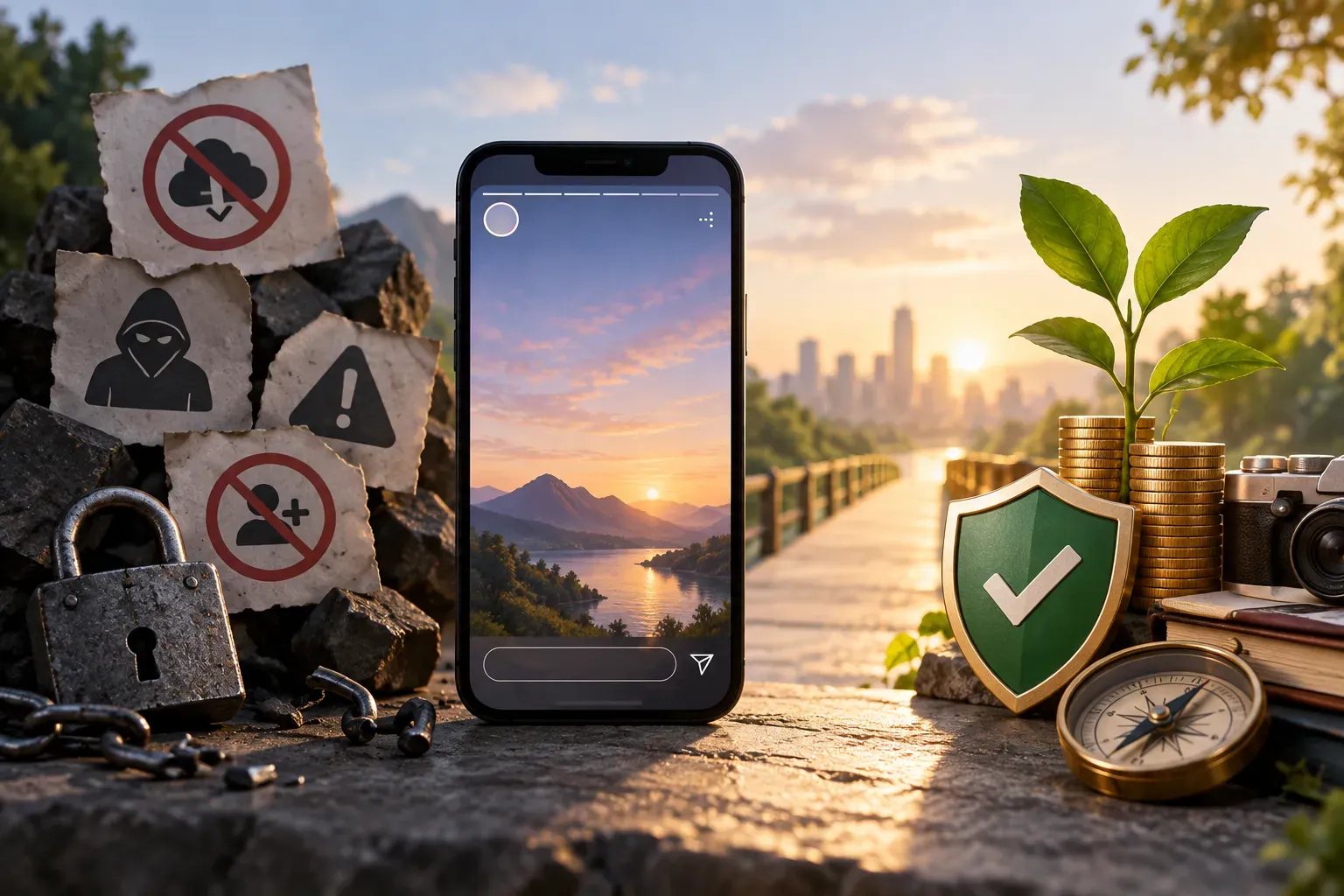
Why Download Instagram Stories? The Real Value for Creators and Brands
Instagram Stories are a core content format for creators and businesses. They’re perfect for sharing updates, promotions, and behind-the-scenes moments. But Stories disappear after 24 hours, which means you might want to download Instagram Stories to repurpose content, archive campaigns, or analyze what worked best. Whether you’re planning future posts or building a content library, downloading Stories can be a smart move—if you do it right.
Myth 1: Downloading Instagram Stories Is Always Legal and Safe
One of the biggest myths is that if a tool lets you download Instagram Stories, it must be allowed. In reality, downloading content from Instagram can violate the platform’s terms of service, especially if you’re saving someone else’s Stories without permission. There’s also the risk of malware or phishing from shady apps and websites. Always prioritize your account’s security and respect copyright and privacy.
Is it legal and safe to download Instagram Stories?
It depends. Downloading your own Stories is both legal and safe. Downloading someone else’s Stories without their consent can break Instagram’s rules and infringe on copyright. For businesses and creators, it’s best to get explicit permission before saving or repurposing another user’s content. Stick to reputable tools and avoid anything that asks for your Instagram login outside the official app.
Myth 2: Any App or Website Will Work—Just Pick the First One
Not all download tools are created equal. Some are secure and respect user privacy; others are designed to steal data or inject malware. Relying on the first app you find can put your account and device at risk. It’s important to vet your tools carefully.
What are the best tools or apps to download Instagram Stories?
- Instagram’s own features: You can save your own Stories directly from the app. Go to your Story, tap the three dots, and choose “Save”.
- Trusted third-party tools: If you have permission, browser extensions like StorySaver or reputable web apps can help. Look for tools that don’t require your Instagram password and have positive reviews from real users.
- For business use: Some social media management platforms offer archiving features. Ensure these tools comply with Instagram’s terms.
At SMP Social, we always recommend using only secure, well-reviewed tools and never sharing your Instagram credentials with untrusted services. This approach keeps your account safe and aligns with ethical best practices.
Myth 3: Downloading Stories Is Always Anonymous
Many believe they can download Instagram Stories without anyone knowing. While some tools promise anonymous downloads, using them can still expose your account to risks or violate platform rules. Instagram does not notify users when their Stories are downloaded, but using unauthorized apps can compromise your privacy and security.
How can you download Instagram Stories without the original poster knowing?
There’s no official method to download someone else’s Stories anonymously and ethically. If you need to save a Story, the best practice is to ask the creator for the original file or their permission. Avoid tools that promise stealth—these often put your account at risk.
Myth 4: If It’s Public, It’s Free to Use
Just because a Story is public doesn’t mean you can download and repurpose it however you want. Copyright and privacy laws still apply. Brands and creators should always respect the original poster’s rights and Instagram’s community guidelines.
What precautions should creators and brands take when downloading and using Instagram Stories content?
- Get permission: Always ask the original creator before downloading or sharing their content.
- Credit the source: If you repost, give clear credit and tag the creator.
- Use your own content: Whenever possible, stick to downloading and repurposing your own Stories.
- Check Instagram’s terms: Stay updated on Instagram’s policies to avoid accidental violations.
Following these steps helps you build trust with your audience and avoids unnecessary account issues.
Myth 5: Instagram Doesn’t Care About Downloading Stories
Some assume that Instagram ignores Story downloading, but the platform actively monitors for suspicious activity and can take action against accounts that repeatedly violate its terms. This can include warnings, temporary locks, or even permanent bans.
Are there Instagram policies or terms of service to be aware of when downloading Stories?
Yes. Instagram’s terms of service prohibit unauthorized downloading and redistribution of content. You’re allowed to save your own Stories, but downloading others’ content without permission is against the rules. For brands and creators, respecting these policies is not just about compliance—it’s about maintaining your reputation and relationships in the social media community.
Final Takeaways: Safe, Ethical Story Downloading for Growth
Downloading Instagram Stories can be a valuable tactic for content planning and analysis, but only if you do it safely and ethically. Stick to your own content, get permission when needed, and use only trusted tools. At SMP Social, we’re committed to helping creators and brands grow their presence without shortcuts that risk their accounts or reputation. If you’re looking for real, practical social media growth services, see SMP Social services and packages on the site.