


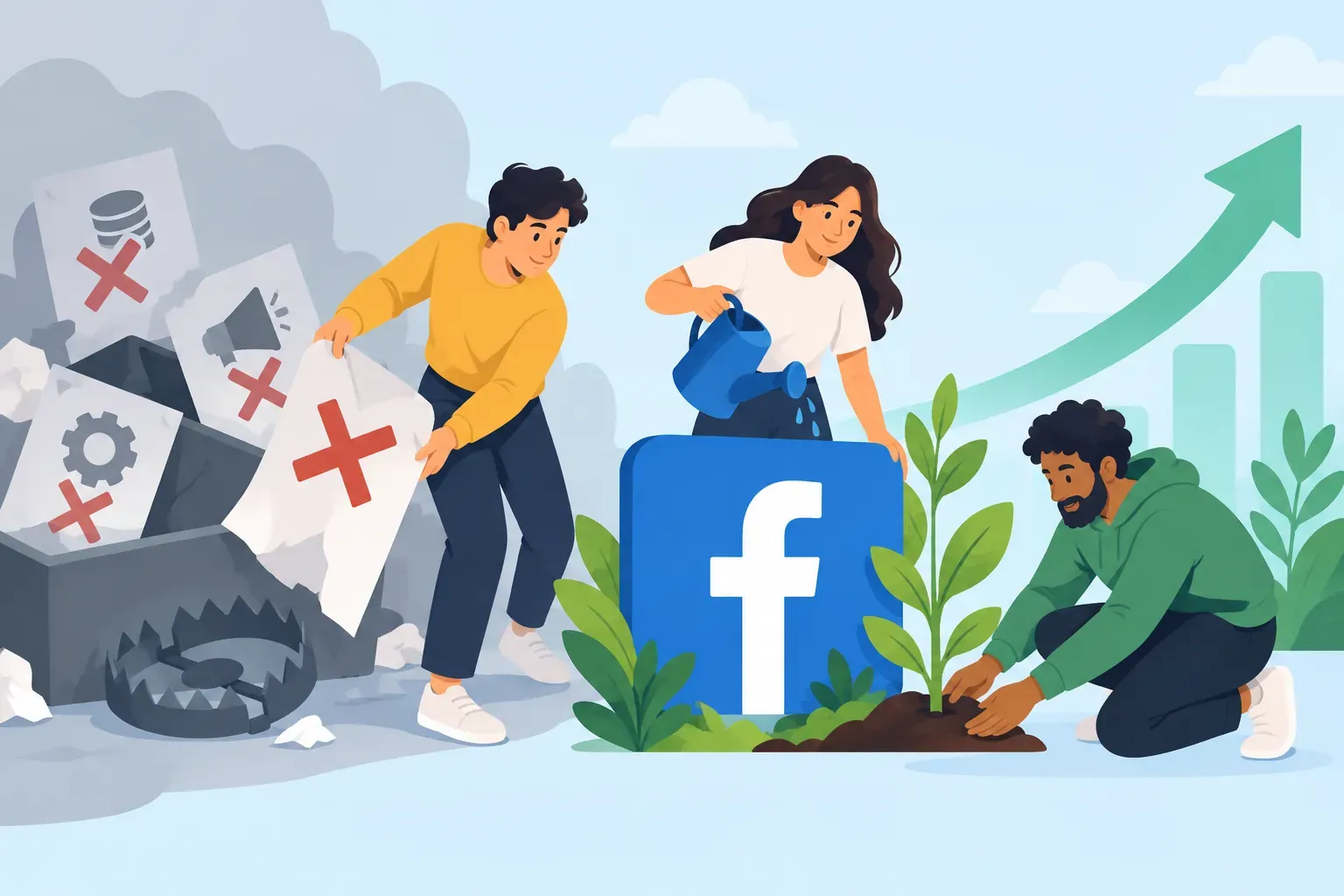
Why Facebook Ads Manager Is Still Essential for Social Growth
With organic reach on social platforms shifting constantly, creators and businesses need practical, up-to-date tools to reach new audiences. Facebook Ads Manager remains one of the most powerful—and misunderstood—platforms for driving real social media growth. But too many campaigns end up wasting budget or missing their mark. Here’s how to use Facebook Ads Manager effectively in 2026, focusing on smart targeting, measurable results, and sustainable growth.
What is Facebook Ads Manager and How Does It Work?
Facebook Ads Manager is a unified dashboard for creating, managing, and analyzing paid campaigns across Facebook, Instagram, Messenger, and the Audience Network. It lets you:
- Set campaign objectives (like engagement, website visits, or conversions)
- Define your target audience with detailed demographics and interests
- Design creative assets and ad formats
- Allocate and monitor budgets
- Track performance metrics in real time
By centralizing these controls, Facebook Ads Manager enables both beginners and advanced users to optimize their social media advertising—if you know what to focus on.
How Can I Set Up a Facebook Ads Campaign That Targets the Right Audience?
Effective targeting is the backbone of any successful Facebook Ads campaign. Here’s a step-by-step approach:
- Start with a clear goal: Are you aiming for more followers, higher engagement, or traffic to your site? Choose your campaign objective accordingly.
- Use Custom Audiences: Upload your email list or retarget website visitors to reach people already familiar with your brand.
- Leverage Lookalike Audiences: Facebook can find users similar to your best customers, expanding your reach to likely fans.
- Refine with detailed targeting: Layer interests, behaviors, and demographics to avoid broad, unfocused campaigns.
- Test and iterate: Run small tests with different audience segments and creatives before scaling up.
At SMP Social, we see that campaigns with specific, well-researched targeting consistently outperform those relying on generic or overly broad audiences.
What Are Common Mistakes to Avoid When Using Facebook Ads Manager?
- Ignoring the learning phase: Facebook’s algorithm needs time to optimize. Don’t judge results too soon—give campaigns at least a few days to stabilize.
- Setting and forgetting: Regularly review and adjust your ads. Even well-performing campaigns can fatigue over time.
- Overlapping audiences: Running multiple campaigns targeting similar groups can drive up costs and reduce effectiveness.
- Neglecting creative testing: Fresh visuals and copy are essential. Test different formats (carousel, video, stories) to see what resonates.
- Chasing vanity metrics: Focus on meaningful engagement and conversions, not just impressions or likes.
At SMP Social, we help clients avoid these pitfalls by focusing on sustainable, data-driven growth rather than quick fixes.
How Do I Measure the Success of My Facebook Ads Campaigns?
Success looks different for every brand, but these are the key metrics to watch in Facebook Ads Manager:
- Engagement rate: Comments, shares, and saves show real interest.
- Click-through rate (CTR): Indicates how compelling your ad is to your audience.
- Cost per result: Tracks efficiency—are you getting value for your spend?
- Conversion rate: For campaigns driving sign-ups or sales, this is the ultimate measure.
- Audience growth: Are your social profiles gaining real, active followers as a result?
Use Facebook’s built-in analytics and, if needed, supplement with tools like Google Analytics or your own CRM to get a full picture. SMP Social clients often find that focusing on a handful of meaningful KPIs keeps campaigns on track and budgets under control.
What Budget Strategies Help Maximize ROI Without Overspending?
- Start small and scale: Begin with a modest daily budget. Increase spend only on ads that prove their value.
- Use campaign budget optimization (CBO): Let Facebook allocate budget to the best-performing ad sets automatically.
- Set clear limits: Use lifetime budgets or daily caps to avoid accidental overspending.
- Monitor frequency: High ad frequency can lead to fatigue. Refresh creatives or pause campaigns if users see your ad too often.
- Schedule ads: Run campaigns when your audience is most active to maximize impact and minimize waste.
One of the advantages of working with a modern provider like SMP Social is transparent, flexible packages that let you test and adjust your approach as you learn what works.
How Can Facebook Ads Manager Integrate with Instagram for Better Growth?
Facebook Ads Manager is also the control center for Instagram ads. Here’s how to use this integration for better results:
- Run cross-platform campaigns: Reach users on both Facebook and Instagram with a single campaign setup.
- Customize placements: Choose where your ads appear—Instagram Stories, Feed, Explore, or Reels.
- Leverage Instagram-specific creatives: Use vertical videos and eye-catching visuals tailored for Instagram’s formats.
- Track platform-specific results: Break down performance by placement to see where your budget delivers the most growth.
Many SMP Social clients find that combining Facebook and Instagram ads through Ads Manager is the most efficient way to build a cohesive, multi-platform presence—without doubling your workload.
Final Thoughts: Smart Facebook Ads Manager Use Drives Real Growth
Facebook Ads Manager isn’t just for big brands with massive budgets. When used thoughtfully, it’s a practical tool for creators and businesses to grow audiences, boost engagement, and drive real results—without falling into common traps. Focus on targeting, creative testing, and clear metrics, and you’ll see steady, sustainable growth.
Ready to take your social media presence to the next level? See SMP Social services and packages on the site.