


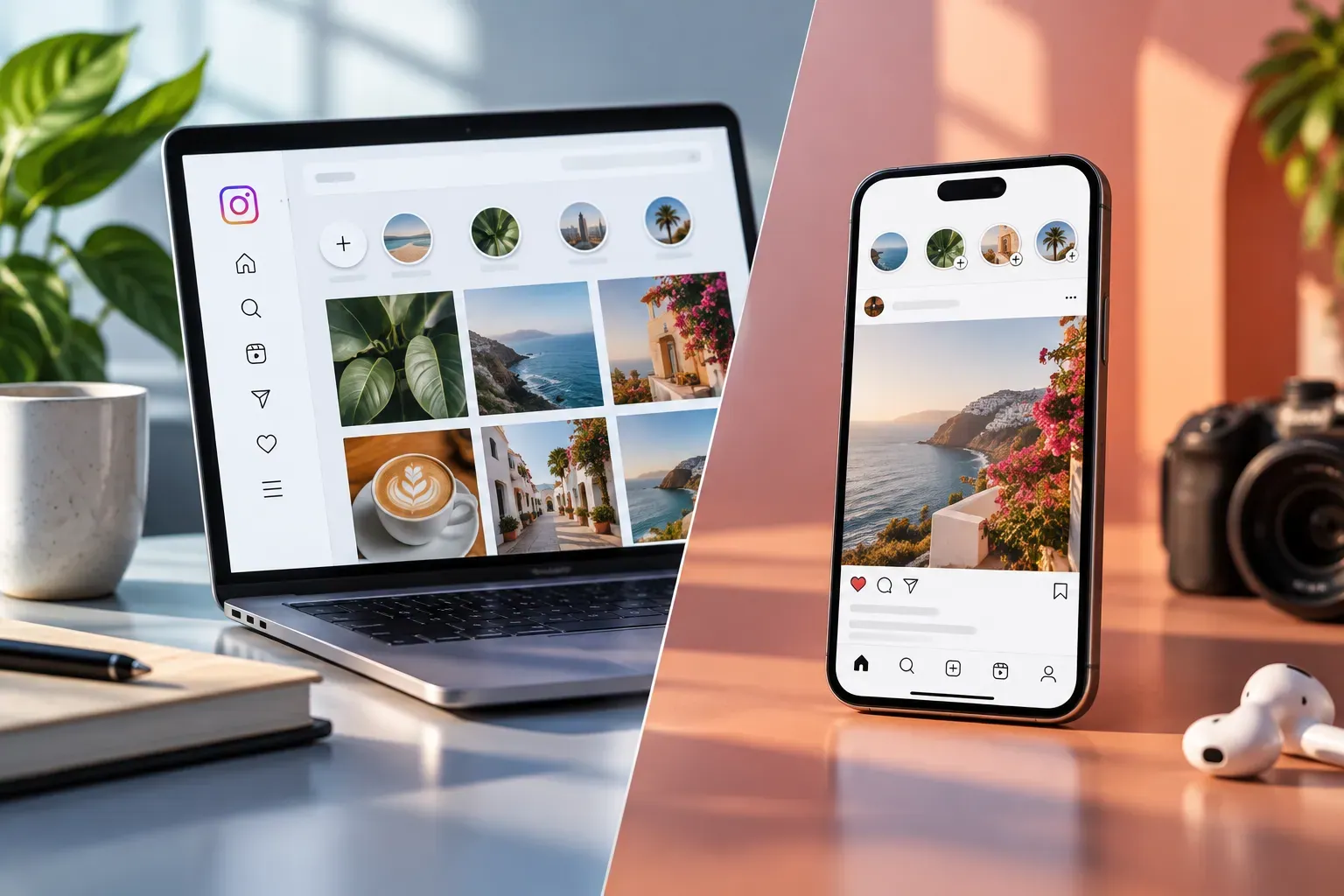
Why Instagram Web Deserves a Place in Your Social Media Toolkit
Most creators and businesses still think of Instagram as a mobile-first platform. But Instagram Web has quietly evolved into a powerful tool for social media management. If you've only used the web version to check DMs or quickly browse, you're missing features that can make your workflow smoother and your engagement more consistent—without the thumb fatigue of constant phone use.
What Features Does Instagram Web Offer Compared to the Mobile App?
Instagram Web now covers most of the essentials creators and brands need for daily management. Here's what you can do on the web version that's especially useful for multitasking:
- Post Photos, Carousels, and Videos: Upload content directly from your desktop, including multi-image posts and standard videos.
- View and Respond to Comments: Manage conversations efficiently with a full keyboard, making it easier to keep up with engagement.
- Access Direct Messages: Read, send, and organize DMs—great for handling customer inquiries or collaborating with other creators.
- Browse Stories and Highlights: View Instagram Stories and Highlights on a larger screen, which is helpful for content review and competitor research.
- Analyze Insights: Access basic analytics for posts and profile activity, helping you track what's working without toggling devices.
While Instagram Web doesn't fully replace the app, it brings enough power to make desktop management a real option for busy teams and solo creators alike.
How Can Creators and Businesses Use Instagram Web to Schedule and Post Content?
One of the biggest upgrades in Instagram Web is the ability to post directly from your computer. Here's how to make the most of it:
- Drag-and-Drop Uploads: Quickly select and upload photos or videos from your files, saving time over mobile transfers.
- Caption and Hashtag Editing: Type out detailed captions and manage hashtags with ease using your keyboard.
- Third-Party Scheduling Tools: While Instagram Web itself doesn't offer native scheduling, it integrates smoothly with trusted social media management platforms. This means you can plan, draft, and schedule posts for optimal times, all from your desktop environment.
For brands managing multiple accounts or campaigns, this desktop-first approach streamlines the entire content process. At SMP Social, we've seen clients cut hours from their weekly workflow by leveraging Instagram Web alongside our growth services.
Is It Possible to Manage Comments and Direct Messages on Instagram Web?
Yes—Instagram Web makes it much easier to stay on top of your community. Here's how:
- Comments: View, reply, and moderate comments on your posts in real time. Bulk actions (like deleting spam) are faster with mouse and keyboard controls.
- Direct Messages: Access your inbox, reply to DMs, and search conversations. The web interface supports group chats and media sharing, so you're not missing out on key features.
For creators and businesses, this means less time spent tapping on a phone and more time building real connections. If you're running giveaways, handling customer service, or networking, Instagram Web is a serious productivity boost.
What Are the Limitations of Instagram Web and How Can Users Work Around Them?
While Instagram Web is powerful, it's not a complete substitute for the mobile app. Here are some current limitations—and practical workarounds:
- No Native Reels Creation: You can't create or edit Instagram Reels directly on the web.
Workaround: Use your desktop to edit video content, then upload via mobile or through scheduling tools that support Reels. - Limited Story Posting: You can view Stories and Highlights, but posting Stories is still mobile-only.
Workaround: Prepare story assets on desktop for easy transfer to your phone, or use a third-party scheduler with story support. - Advanced Insights: Some analytics features are only available in the mobile app.
Workaround: Use the web for quick checks and the app for deep dives, or connect to analytics dashboards that aggregate your data.
Despite these gaps, Instagram Web covers most daily management needs. For creators and brands using SMP Social, we recommend a hybrid approach—plan and manage on desktop, then use mobile for on-the-go publishing and advanced features.
How Can Instagram Web Improve Workflow for Social Media Managers and Brands?
Here's why Instagram Web is a game-changer for efficient social media management:
- Faster Content Production: Create, edit, and upload posts without switching devices or apps.
- Centralized Communication: Handle DMs and comments in one place, making it easier to maintain brand voice and respond quickly.
- Team Collaboration: Multiple team members can access the account from their own desktops, streamlining approvals and edits.
- Reduced Distractions: Working on desktop keeps you focused on tasks, not endless scrolling or notifications.
At SMP Social, we see clients who combine Instagram Web with our social media services achieve more consistent posting, better engagement, and less burnout. The web platform's practical features align with our philosophy: real growth comes from smart, sustainable tactics—not shortcuts or spammy promises.
Should You Make Instagram Web Part of Your Routine?
If you're serious about building your brand or managing multiple accounts, Instagram Web is more than just a backup—it's a productivity tool that can help you work smarter. By understanding its features and limitations, you can streamline your workflow and focus on what matters: engaging your audience and growing your presence.
Ready to take your social media management to the next level? See SMP Social services and packages on the site.