


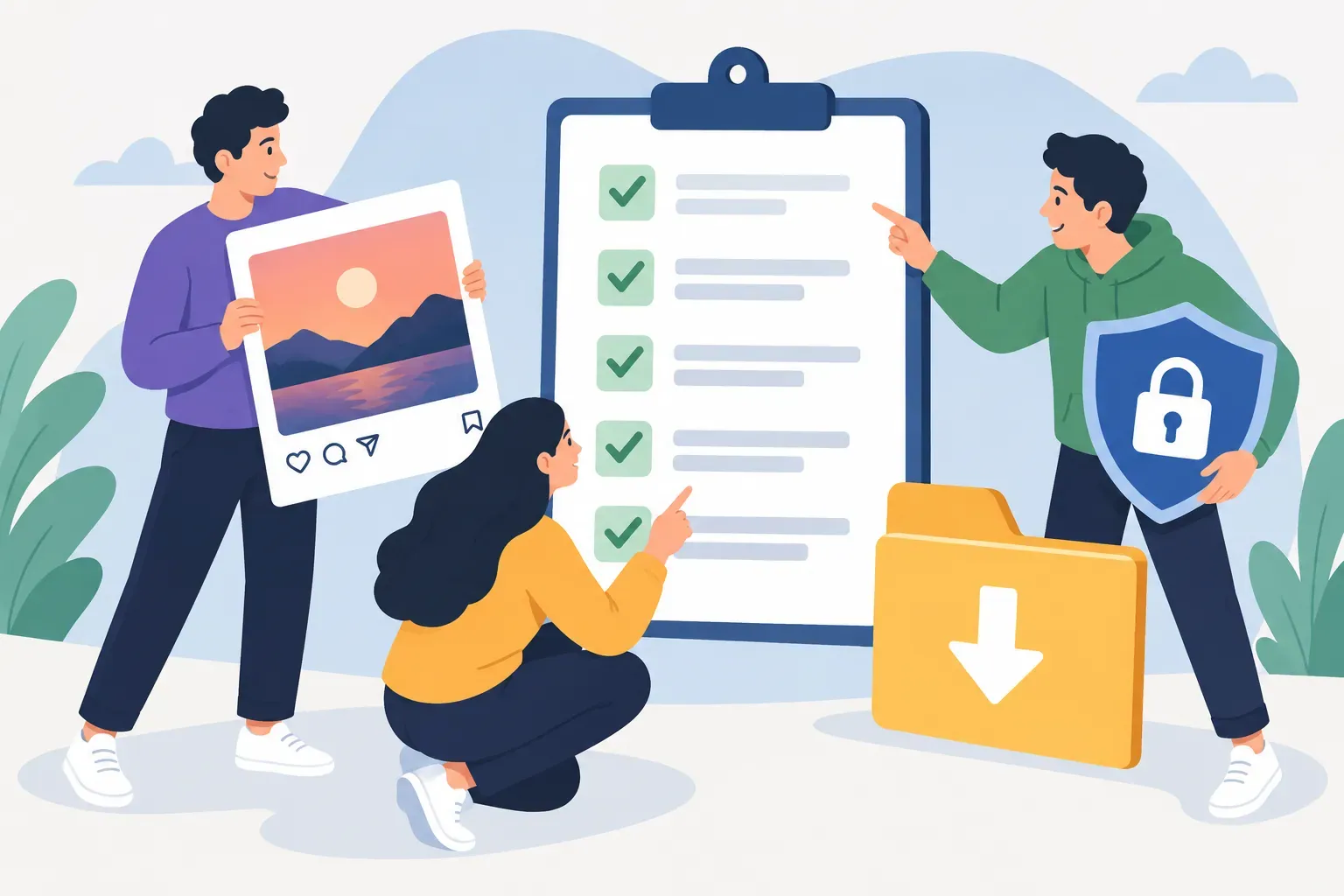
The Safe Download Instagram Checklist: 5 Things to Confirm Before Saving Any Content
With the rise of content repurposing and the constant need for fresh visuals, creators and businesses often look for ways to download Instagram content. But doing this the wrong way can risk your account, violate copyright, or even damage your brand reputation. Here’s a practical checklist to ensure you’re downloading Instagram photos, videos, Stories, and Reels safely and legally—without falling into common traps.
1. Confirm the Source and Purpose Before Downloading
Before you hit download on any Instagram content, ask yourself: Why am I saving this? If it’s your own content, you’re in the clear. If it’s someone else’s, make sure you have a legitimate reason—such as sharing for educational purposes, internal reference, or with explicit permission from the creator. Downloading for commercial use or reposting without credit can lead to copyright issues.
- Tip: Always document permissions if you plan to use someone else’s content in your brand materials or campaigns.
- For user-generated content, consider reaching out via DM or email for written consent.
2. Choose Safe and Reliable Download Methods
There’s no shortage of tools claiming to help you download Instagram photos and videos, but not all are safe. Avoid browser extensions or apps that ask for your Instagram password—these can compromise your account security. Instead, use reputable web-based tools that don’t require login credentials, or Instagram’s own features for saving your posts.
- Web-based downloaders: Look for tools with positive reviews, transparent privacy policies, and no required login. Examples include DownloadGram or InstaSave (always check current reputation).
- Instagram’s built-in options: For your own content, use the “Your Activity” > “Download Your Information” feature in the Instagram app settings to request a data download.
- Screen recording: For Stories or Reels, screen recording is sometimes used, but always consider copyright and privacy first.
What are the safest and most reliable ways to download Instagram photos and videos?
The safest way is to use Instagram’s official data download feature for your own posts. For public content, use web-based downloaders that don’t require your login, and never give out your Instagram password to third-party apps. Avoid tools that install suspicious software or ask for excessive permissions.
3. Understand the Legal and Copyright Implications
Instagram’s terms of service and copyright law protect creators’ rights. Downloading and using content without permission can lead to takedown requests, account warnings, or even legal action. Even if a post is public, it doesn’t mean it’s free to use.
Are there legal considerations or copyright issues when downloading Instagram content?
Yes. Downloading is legal for personal use or backup, but redistributing, reposting, or using content commercially without permission is a copyright violation. Always credit creators, and get explicit permission for any use beyond personal reference or inspiration.
4. Downloading Instagram Stories and Reels: What’s Allowed?
Instagram Stories and Reels are designed for short-term sharing, but sometimes you need to save them for reference or inspiration. For your own Stories, use the “Save” feature before they expire. For others’ Stories or Reels, only download with permission. Some web tools let you enter a Story or Reel link to download, but respect privacy and copyright rules at all times.
Can you download Instagram Stories and Reels, and if so, how?
You can download your own Stories and Reels directly from the Instagram app. For public content from others, use reputable web tools (no login required) or screen recording—always with permission. Never use apps that ask for your Instagram credentials.
5. Use Professional Tools Without Compromising Security
Professionals recommend sticking to tools that have a track record of security and transparency. Avoid anything that asks for your Instagram login or tries to automate downloads in bulk, as this can trigger Instagram’s security systems and put your account at risk.
What tools or apps do professionals recommend for downloading Instagram content without compromising account security?
- Instagram’s own data download (for your content)
- Reputable web downloaders (no login required, check reviews for safety)
- Manual saving or screen recording (for reference, with permission)
At SMP Social, we always advise clients to prioritize account security and copyright respect over convenience. Our team stays updated on safe methods and can recommend tools that align with Instagram’s guidelines.
How Businesses Can Use Downloaded Instagram Content Responsibly
Downloaded content can be valuable for case studies, inspiration, or internal presentations. But when it comes to public use—like reposting, ads, or website features—always:
- Obtain written permission from the original creator
- Give clear credit and tag the creator where possible
- Respect any licensing terms or agreements
- Keep records of permissions for future reference
How can businesses use downloaded Instagram content effectively while respecting creators' rights?
Use content for inspiration, trend analysis, or internal training. For any external use, secure explicit permission, credit the creator, and follow Instagram’s terms. This builds trust with your audience and protects your brand from copyright issues.
Final Thoughts: Downloading Instagram Content the Right Way
With so many tools and shortcuts out there, it’s easy to slip into risky habits. But following this checklist keeps your account safe, your brand reputation strong, and your content strategy on the right side of the law. If you need help with content repurposing, growth tactics, or safe social media services, SMP Social is here to support creators and businesses with practical, up-to-date advice and solutions.
See SMP Social services and packages on the site.