


Why Your YouTube Sign-In Habits Matter More Than You Think
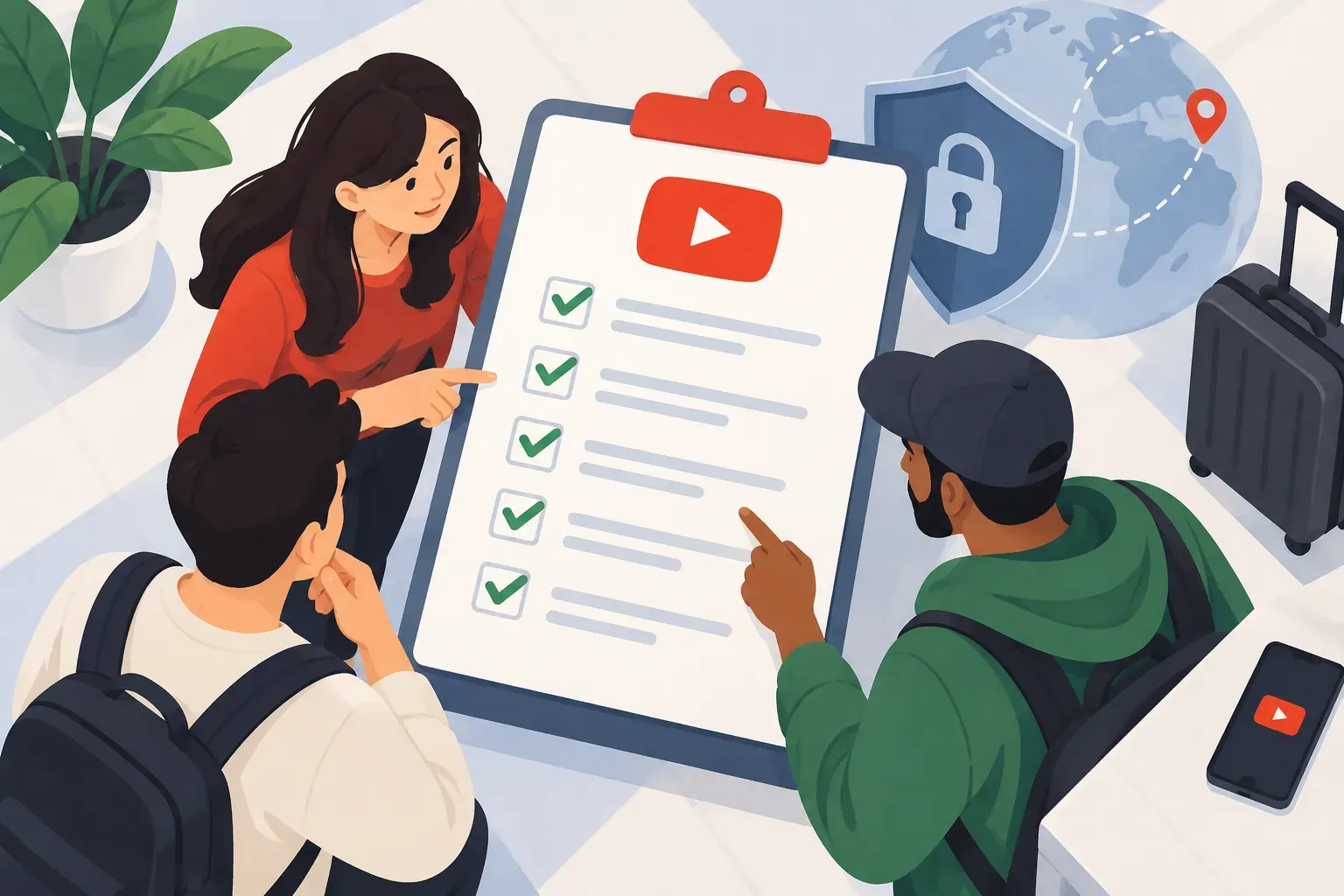
If you're building a brand or channel, signing in to YouTube is how you access analytics, upload videos, respond to comments, and connect with your community. But with more devices in play, team members logging in, and security threats evolving, your sign-in routine can quietly make or break everything you've worked for. At SMP Social, we see creators lose access to their channels every week—often because they overlooked a simple security step. This checklist walks you through the essentials so your channel stays secure and your growth stays on track.
1. Confirm You're Using the Official YouTube Sign-In Page
Before you type in your credentials, check the URL. The official sign-in page is https://accounts.google.com/ServiceLogin or accessed directly from youtube.com. Phishing sites can look identical to the real thing, but the address bar doesn't lie. Bookmark the legitimate page and never click sign-in links from emails or DMs—even if they look official.
2. Use Strong, Unique Passwords—Never Reuse Across Platforms
Reusing passwords is one of the fastest ways to lose your channel. If one site gets breached, hackers will try that same password everywhere. Even when you're rushing to upload, take a moment to create a strong, unique password for your Google account. A password manager can generate and store these for you, so you're not juggling dozens of logins in your head.
3. Set Up Two-Factor Authentication (2FA) Immediately
Two-factor authentication is non-negotiable if you're serious about protecting your channel. With 2FA enabled, someone who steals your password still can't get in without the code sent to your device. Head to your Google Account settings and turn it on—it takes five minutes and adds a massive layer of security.
What are the most common YouTube sign-in mistakes creators make?
- Reusing passwords across multiple sites
- Ignoring 2FA or putting off setup
- Signing in on unsecured or public Wi-Fi without a VPN
- Leaving accounts signed in on shared or public devices
- Clicking suspicious sign-in links from emails or messages
These mistakes can lead to unauthorized access, lost content, or even permanent channel loss. We recommend reviewing your sign-in habits regularly and updating passwords at least twice a year.
4. Manage Multi-Device Sign-Ins Thoughtfully
Most creators and businesses juggle multiple devices—phones, tablets, laptops, and sometimes team computers. Here's how to sign in securely across all of them:
- Only sign in on devices you trust and control.
- Use device management tools in your Google Account to review where you're signed in.
- Sign out remotely from devices you no longer use or recognize.
- For teams, use Google's account delegation features instead of sharing your main password.
How can I sign in to YouTube securely across multiple devices?
Always enable 2FA, avoid public Wi-Fi, and regularly check your Google Account's device activity. If you're managing a team, set up separate roles or delegated access instead of sharing credentials. This keeps your main account secure and lets you track who's doing what.
5. Always Sign Out on Public or Shared Devices
Staying signed in for convenience is tempting, but never leave your YouTube account open on a public or shared device. This is one of the top risks for accidental leaks or malicious changes to your channel.
What are the risks of staying signed in on public or shared devices?
- Anyone can access your channel, change settings, or even delete content.
- Private analytics, earnings, or messages could be exposed.
- Unauthorized uploads or comments can damage your brand's reputation.
Always sign out fully and clear browser data if you must use a shared device. For business environments, set clear policies for account access—something we prioritize at SMP Social with our own team and clients.
6. Monitor Account Activity and Respond Quickly to Suspicious Access
Google offers a full activity log for your account. Make it a habit to check this regularly for unfamiliar devices or locations. If something looks off, act immediately.
What steps should I take if I suspect unauthorized access to my YouTube account?
- Change your password immediately.
- Sign out of all devices via your Google Account settings.
- Review and remove any unfamiliar recovery emails or phone numbers.
- Contact Google Support if you see changes you didn't make.
Quick action can prevent further damage and help you regain control before any lasting harm is done.
How Does Proper YouTube Sign-In Management Impact Channel Growth and Security?
Efficient sign-in management isn't just about avoiding hacks—it's about keeping your channel accessible, your analytics accurate, and your collaborations smooth. When your account is secure, you can focus on content and community instead of crisis management. At SMP Social, we see that creators and brands who prioritize these basics enjoy steadier growth and fewer interruptions.
Make Secure Sign-In a Habit, Not a Hassle
Safe, efficient YouTube sign-in habits are a foundation for every creator and business aiming for real, sustainable growth. By following this checklist, you'll avoid the most common pitfalls and keep your channel ready for new opportunities—without risking your hard-earned progress.
See SMP Social services and packages on the site.