


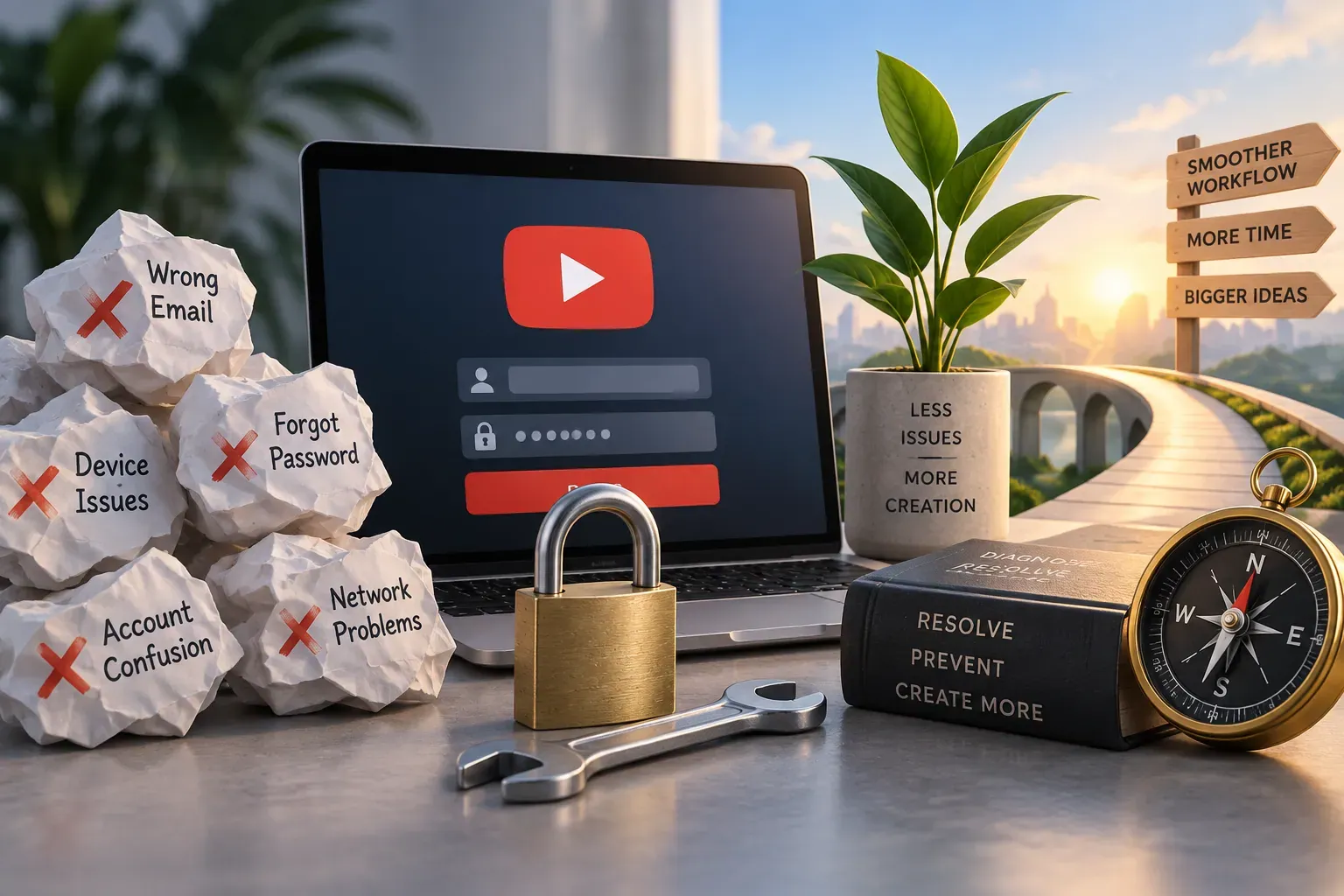
Why Do YouTube TV Login Issues Happen So Often?
Creators and brands who rely on YouTube TV login for monitoring content, hosting live streams, or managing broadcasts know how frustrating a login failure can be. The good news? Most problems trace back to a handful of preventable causes. Once you understand them, you can fix issues fast and avoid future headaches.
What are the most common reasons for YouTube TV login issues?
- Incorrect credentials: Typos happen more often than you'd think—especially when switching devices or relying on autofill.
- Account sync problems: Recently changed your Google password or updated security settings? YouTube TV may not recognize your login until you re-authenticate.
- Device or app glitches: Outdated apps, cached data, or browser quirks can block access entirely.
- Two-factor authentication (2FA) hiccups: 2FA is essential for security, but a lost phone or expired code can lock you out at the worst moment.
- Account lock or suspension: Policy violations or suspicious activity sometimes trigger temporary holds.
The reality is that most login failures aren't caused by major technical faults. They're small, fixable issues—and that's actually great news for creators and brands who want to stay productive.
How Can I Troubleshoot and Fix YouTube TV Login Problems on Different Devices?
Whether you're logging in from a desktop, mobile device, or smart TV, these steps will help you regain access quickly:
- Double-check your credentials: Carefully re-enter your email and password. Try logging in from a different device or an incognito browser window to rule out autofill errors.
- Update your app or browser: Make sure you're running the latest version of the YouTube TV app or your browser. Outdated software causes compatibility issues more often than you'd expect.
- Clear cache and cookies: On browsers, clear your cache and cookies. On mobile, try deleting and reinstalling the YouTube TV app.
- Check your Google account: Visit Google Account Security to confirm there are no security alerts or password changes affecting access.
- Test your internet connection: A weak or unstable connection can interrupt the login process, especially on smart TVs.
- Review device limits: YouTube TV limits the number of simultaneous streams and devices. If you've hit the cap, log out of unused devices.
At SMP Social, we see creators lose valuable time to login issues that could have been avoided with regular device management and app updates. A quick monthly check of account security and app versions can save you hours of frustration.
What steps should creators and brands take if their YouTube TV account is locked or suspended?
If your account is locked or suspended, stay calm. Here's what to do:
- Read the notification: YouTube TV usually provides a reason for the lock or suspension—policy violation, suspicious activity, or payment issues.
- Follow the prompts: Most locks can be resolved by verifying your identity, resetting your password, or updating payment information.
- Appeal if necessary: If you believe the lock is a mistake, use the appeal link in the notification or visit the YouTube TV Help Center.
- Check your email: Google often sends details and next steps to your registered email address.
For creators and brands, a suspended account can mean lost revenue or missed engagement opportunities. Acting quickly—and keeping your contact information current—makes all the difference.
Are There Any Best Practices to Prevent YouTube TV Login Issues in the Future?
Prevention beats recovery every time. Here are practical habits that SMP Social recommends for creators and business teams managing YouTube TV access:
- Use a password manager: This reduces typos and helps you maintain complex, secure passwords without the headache.
- Enable 2FA (but keep backup codes): Two-factor authentication adds security, but always store backup codes in a safe place.
- Regularly review account activity: Check your Google account's device and activity logs for unfamiliar logins.
- Limit shared access: If your brand team shares a login, use Google's family or team features instead of passing around passwords.
- Keep apps and devices updated: Outdated software is a common cause of login errors. Set reminders to update regularly.
- Monitor device limits: Remove old or unused devices from your account to avoid hitting YouTube TV's limit.
At SMP Social, we focus on real, sustainable growth—and that starts with secure, reliable account management. These habits don't just prevent login headaches. They also protect your brand's reputation and assets.
How to Contact YouTube TV Support Effectively When Login Problems Persist?
If you've tried all troubleshooting steps and still can't log in, reaching out to support is your next move. Here's how to get the fastest, most helpful response:
- Gather details: Note your device type, browser/app version, error messages, and recent account changes.
- Visit the official Help Center: Go to YouTube TV Help Center and use the contact options (chat, email, or phone, depending on your region).
- Be concise and specific: Clearly describe your issue and what troubleshooting you've already tried.
- Check your email for replies: Support may respond with follow-up questions or next steps.
For creators and brands, time is money. A clear, organized support request helps you get back to streaming and content management faster.
Keep Your Content Flowing—Don't Let Login Issues Slow You Down
Most YouTube TV login problems are preventable with a few smart habits and regular account checks. For creators and brands who depend on seamless access, a little preparation goes a long way. If you're looking for more ways to streamline your social media management and avoid workflow disruptions, see SMP Social services and packages on the site.